How to Automate Your Daily Work Using AI
Every job has that block of work nobody actually wants to do clearing an inbox, updating a spreadsheet, or copying the same data between two apps that refuse to talk to each other. Fortunately, learning how to automate your daily work using AI is no longer a technical skill reserved for developers; in fact, it’s become a practical habit that any professional can build in an afternoon.
Indeed, Zapier’s research on AI productivity tools found that most enterprises now run several AI tools at once but struggle to connect them which is exactly the gap this guide closes.
So, below is a practical breakdown of where AI automation delivers the most value, plus the tools that make it happen.
Additionally, for a broader toolkit, pair this with our guide to 20 AI tools every professional should know.
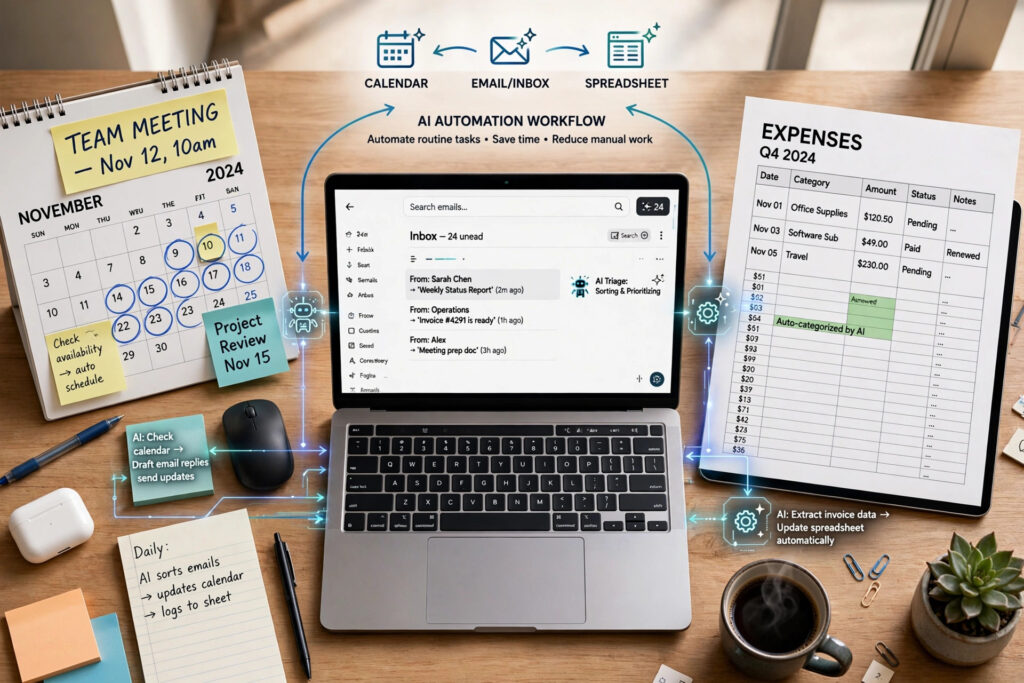
Why AI-Driven Task Automation Matters in 2026
AI automation in 2026 has moved past the “prompt and hope” stage. AI automation in 2026 has moved past the “prompt and hope” stage. Instead, modern tools run repeatable tasks across thousands of records, connect to the apps your team already uses, and operate without a developer setting anything up.
Consequently, the real question isn’t whether AI can save you time rather, it’s which parts of your day to hand off first.
Simplify Writing and Communication Tasks With AI
ChatGPT and Claude for Drafting Messages
Both tools turn rough notes into structured emails, reports, or Slack updates in seconds, which is often the single biggest time recovery for busy professionals.
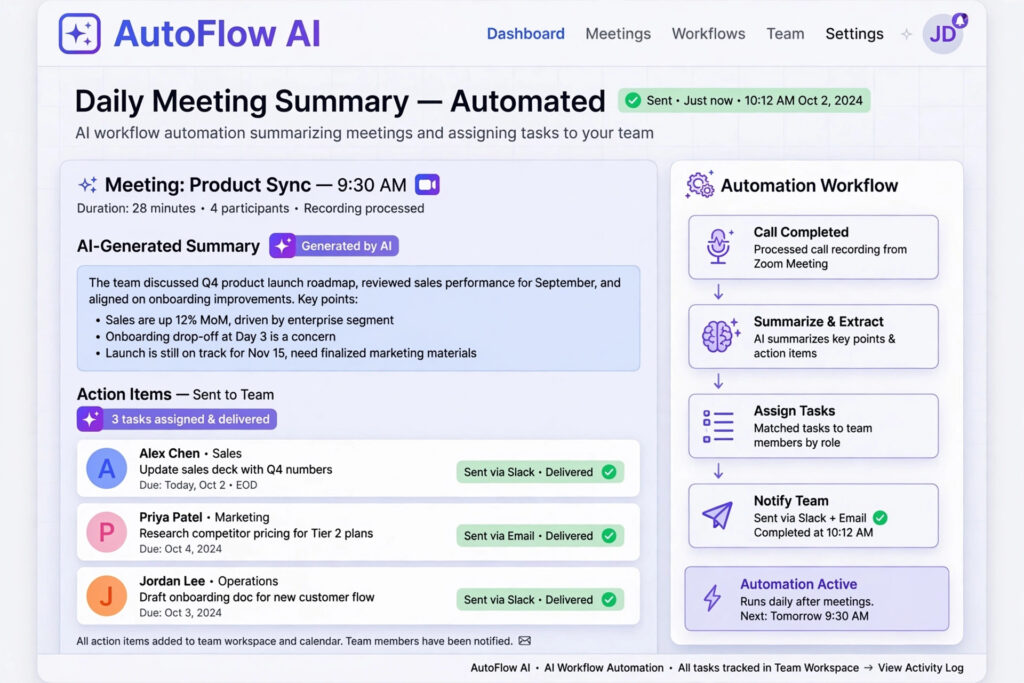
Grammarly for Polishing Tone
Grammarly automatically tightens clarity and tone across emails and documents, catching issues a simple spellcheck would miss.
Streamline Meetings and Scheduling Through Automation
Fireflies.ai for Meeting Documentation
Fireflies.ai transcribes calls automatically and pulls out action items, removing the need to take manual notes during meetings.
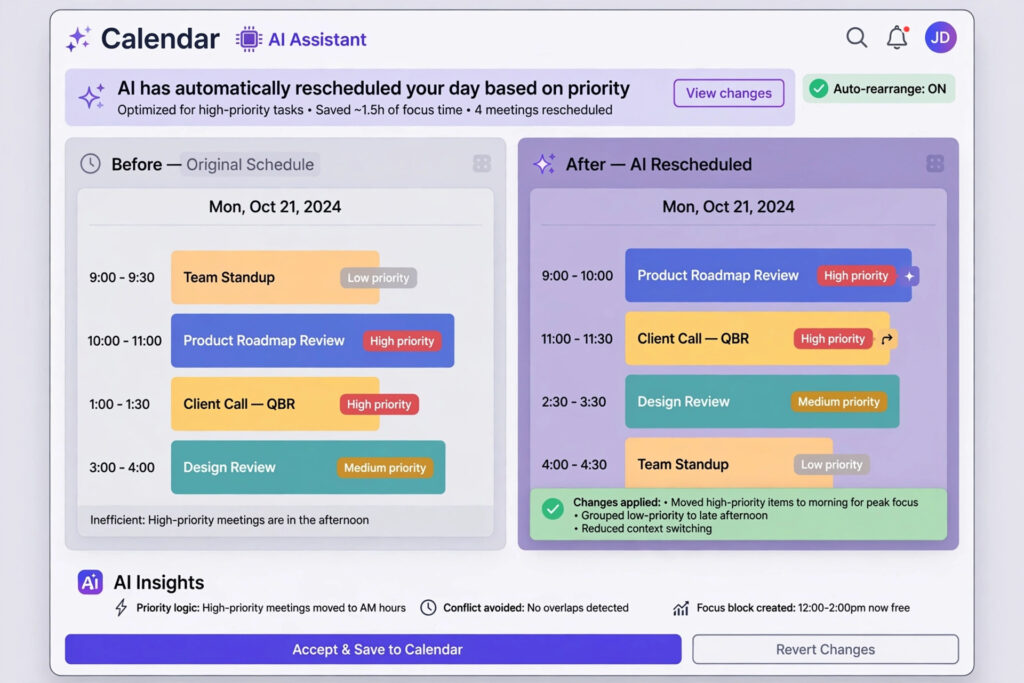
Motion for Calendar Automation
Motion rebuilds your daily schedule automatically as priorities shift, which is especially useful if you juggle multiple projects and meetings.
Link Your Apps With Intelligent Workflow Tools
Zapier for Cross-App Automation
Zapier links thousands of apps together, moving data automatically between your CRM, inbox, and spreadsheets without any code.
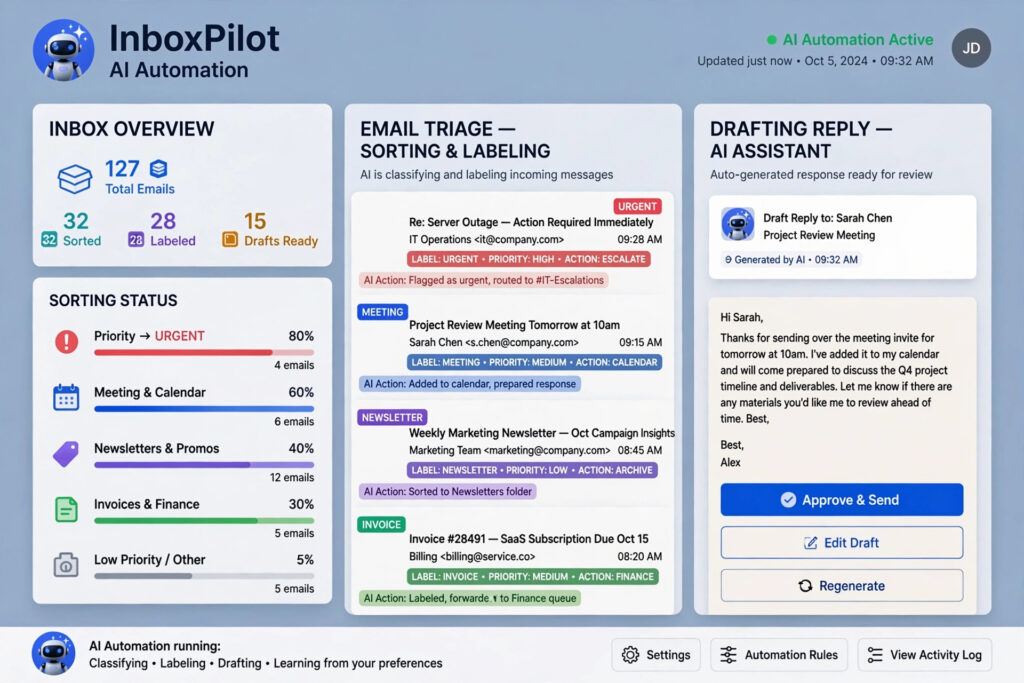
n8n for Developer-Grade Workflows
n8n offers similar automation with self-hosting options, appealing to teams that need more control over how their data moves.
Offload Spreadsheet and Data Work to AI
GPT for Work Inside Excel and Sheets
This tool runs AI prompts across thousands of spreadsheet rows at once, cleaning data, building pivot tables, and writing formulas from plain-language instructions.
Nanonets for Document Data Extraction
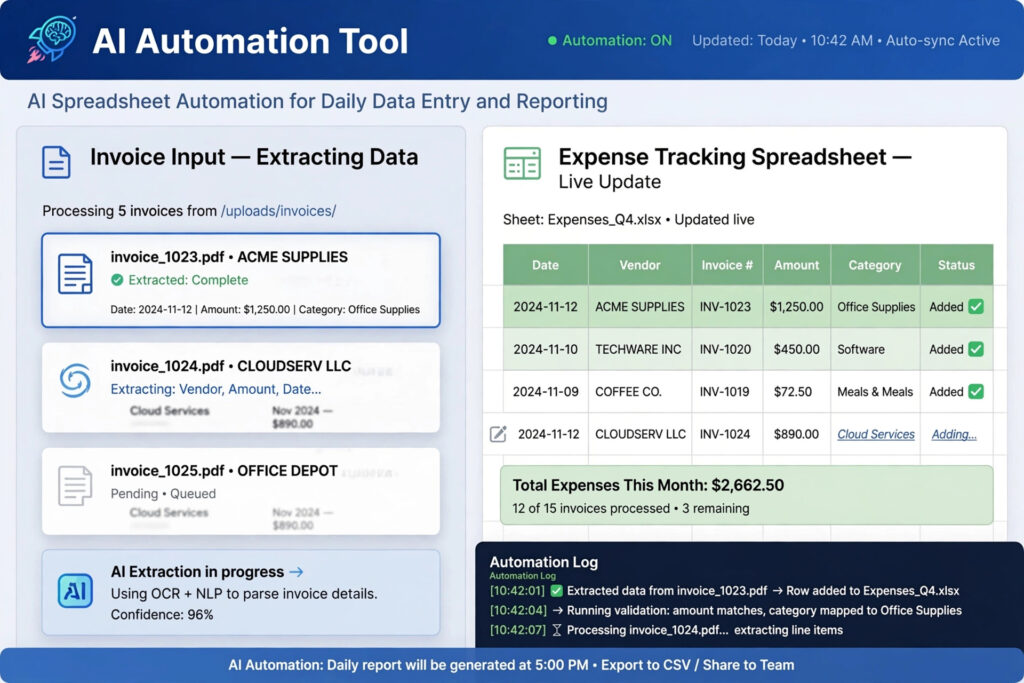
Nanonets pulls structured data out of invoices, forms, and scanned documents automatically, cutting out manual data entry entirely.
Steps to Build Your First Self-Running AI Process
- Start by auditing your week and circling the tasks you repeat without thinking that’s your best automation candidate
- . Pick one tool built for that specific task rather than trying to automate everything at once.
- Connect it to the apps you already use, test it on a small batch of work, and only expand once you trust the output.
- Consistently, the professionals who see the biggest time savings are the ones who start narrow and build outward. If you create content as part of your role, our post on free AI tools for content creation covers a related set of time-saving options.
Bringing It All Together: Your Next Hands-Free Workday
Automating your daily work with AI isn’t about replacing your judgment it’s about freeing it up for the parts of the job that actually need it. Pick one repetitive task from your week, connect a tool to it today, and let the results build your confidence for the next one. A year from now, the professionals ahead of the curve won’t be the ones who adopted the most tools; they’ll be the ones who automated consistently, one task at a time.
Frequently Asked Questions (FAQ)
1. What is the easiest way to start automating with AI?
Start with one repetitive task, like drafting emails or transcribing meetings, and use a single AI tool built specifically for that job before adding more tools to your stack.
2. Do I need coding skills to automate tasks with AI?
No. Most modern AI automation tools, including Zapier and GPT for Work, use plain-language instructions and drag-and-drop interfaces instead of code.
3. Is AI automation safe for sensitive business data?
It depends on the tool. Review each platform’s data policy, and use enterprise-tier plans when handling sensitive or regulated information.
4. How much time can AI automation actually save each week?
It varies by role, but professionals who automate even two or three repetitive tasks often report saving several hours per week previously spent on manual, low-value work.