Best Free AI Tools for Content Creation in 2026
Great content used to require a full team and a real budget. That’s no longer true. In fact, the best free AI tools for content creation can now write your first draft, design your graphics, and even edit your video all without a subscription. This shift is already visible in the data: content creation has become marketers’ single most popular use case for AI, according to HubSpot’s latest content marketing research.
So, whether you run a blog, manage social accounts, or just need to move faster, this guide walks through no-cost AI software that genuinely earns a spot in your workflow.
Furthermore, we tested each pick for real output quality rather than just flashy demos, so ultimately, you can trust these are tools worth your time rather than another crowded list.
If you’re building out a broader toolkit, our post on 20 AI tools every Professionals should know pairs well with this topic.
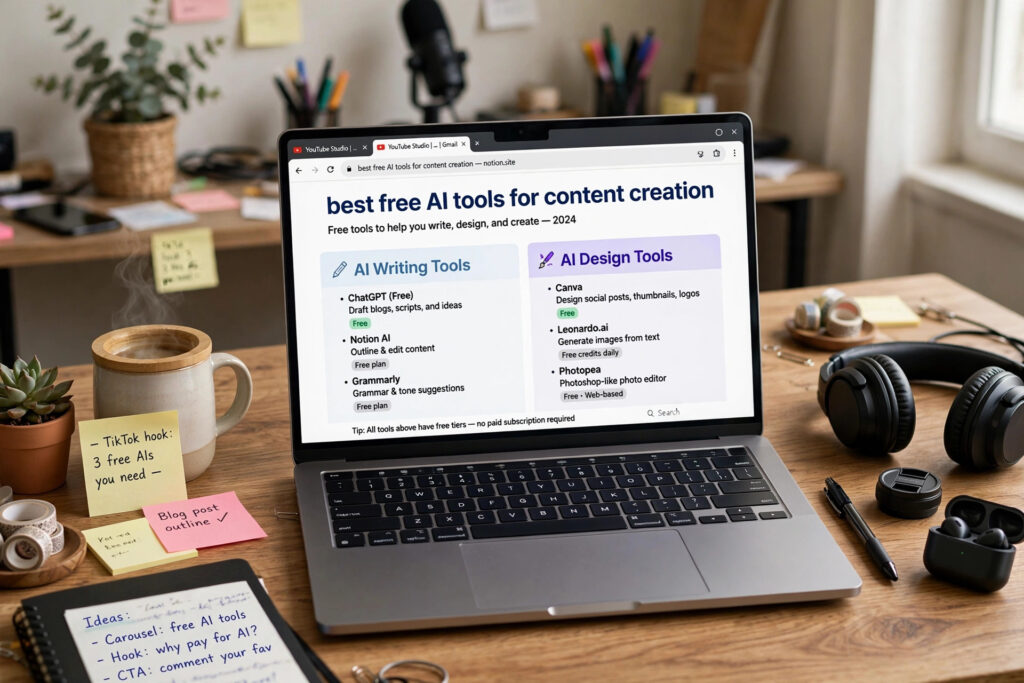
Top Free AI Writing Tools for Creators
AI Writing Assistant (ChatGPT)
ChatGPT remains the most versatile starting point for any creator. Its free tier handles brainstorming, outlines, and first drafts, plus web browsing for quick research.
AI Copywriting Tool (Claude)
Claude is known for a natural, human-sounding tone and strong long-form structure, making it a favorite for blog posts and newsletters that need to sound like a real person wrote them.
AI Marketing Copy Generator (Copy.ai)
Copy.ai focuses specifically on content marketing copy namely, captions, product descriptions, and ad hooks. Even so, its free plan remains generous enough for solo creators and small teams.
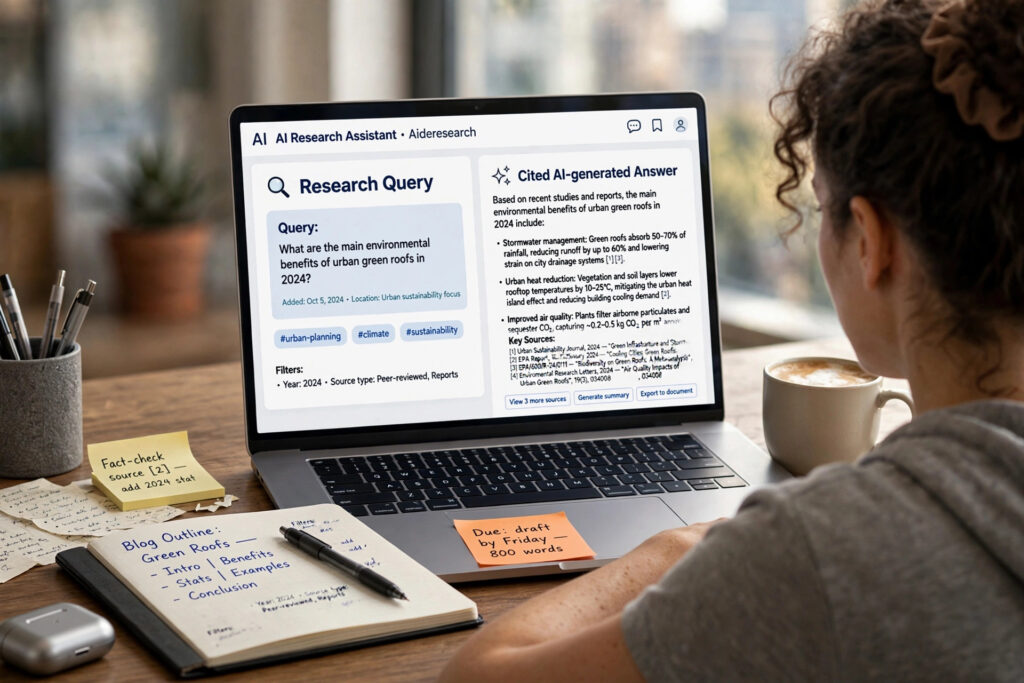
Best Free AI Research Assistants
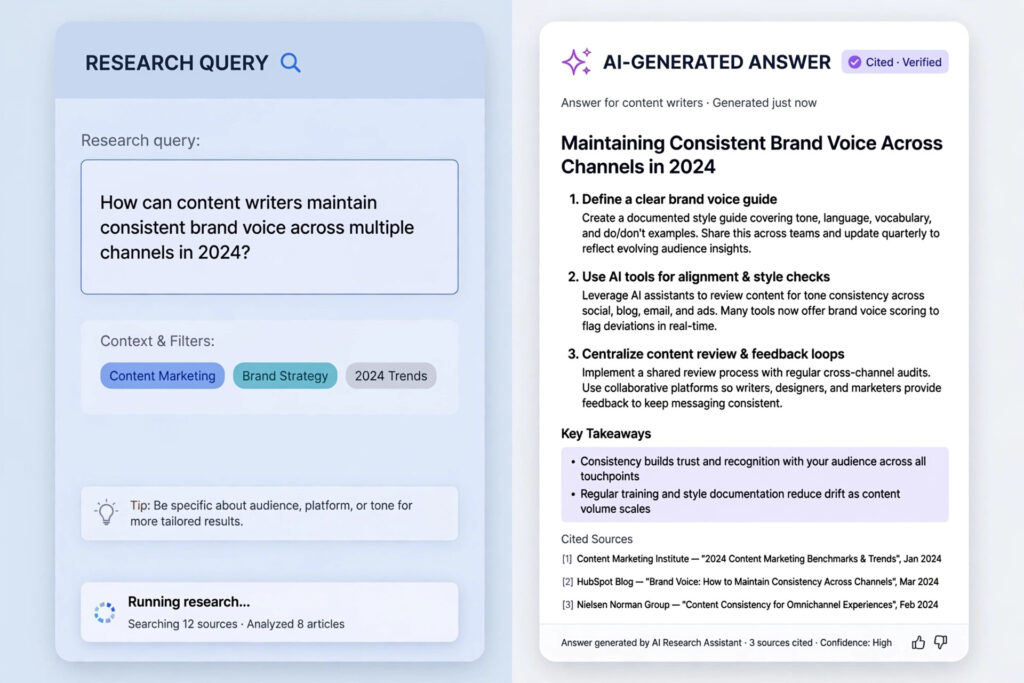
AI Research Tool (Perplexity)
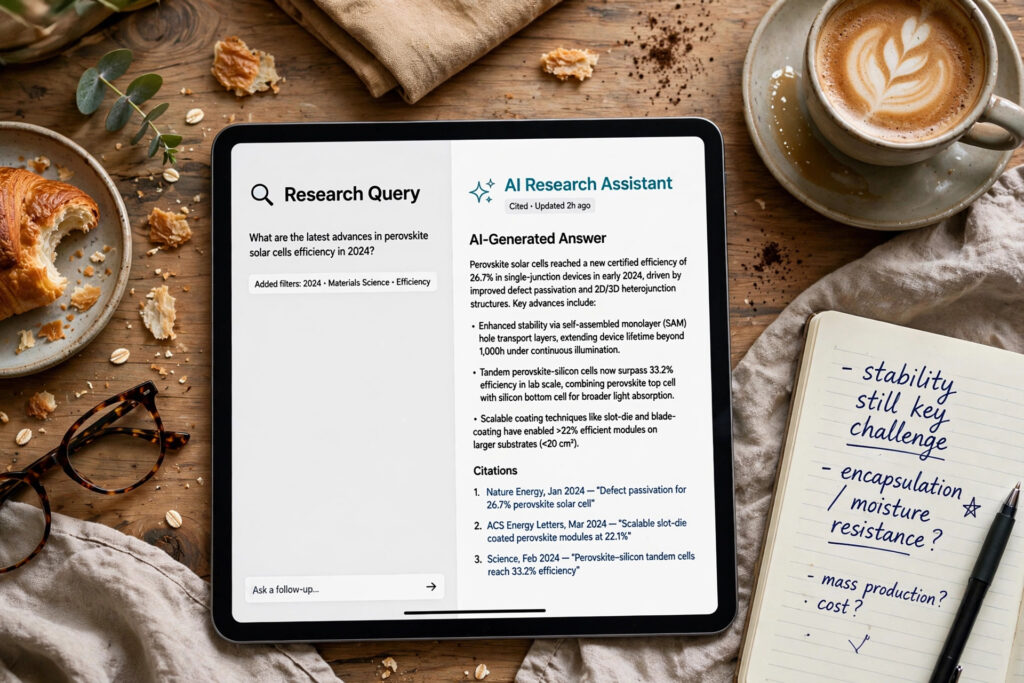
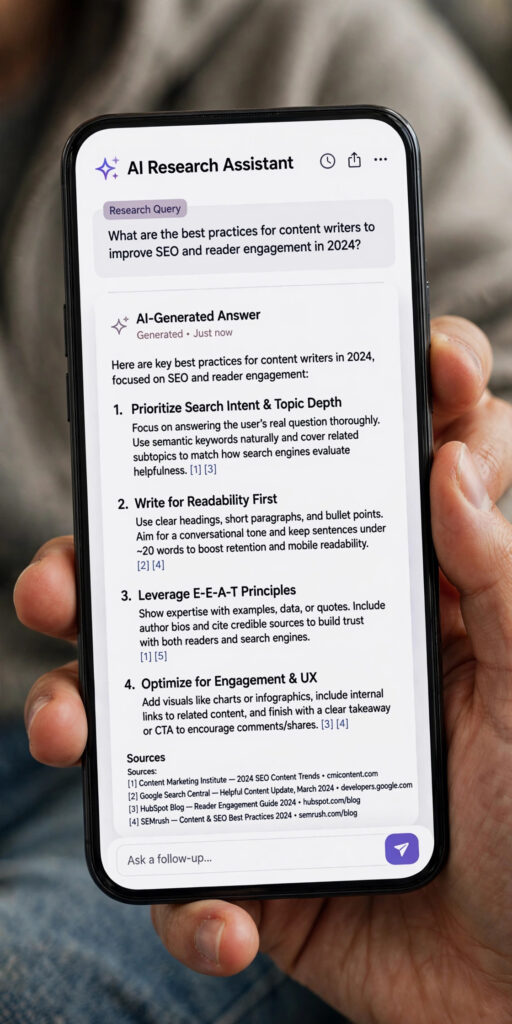
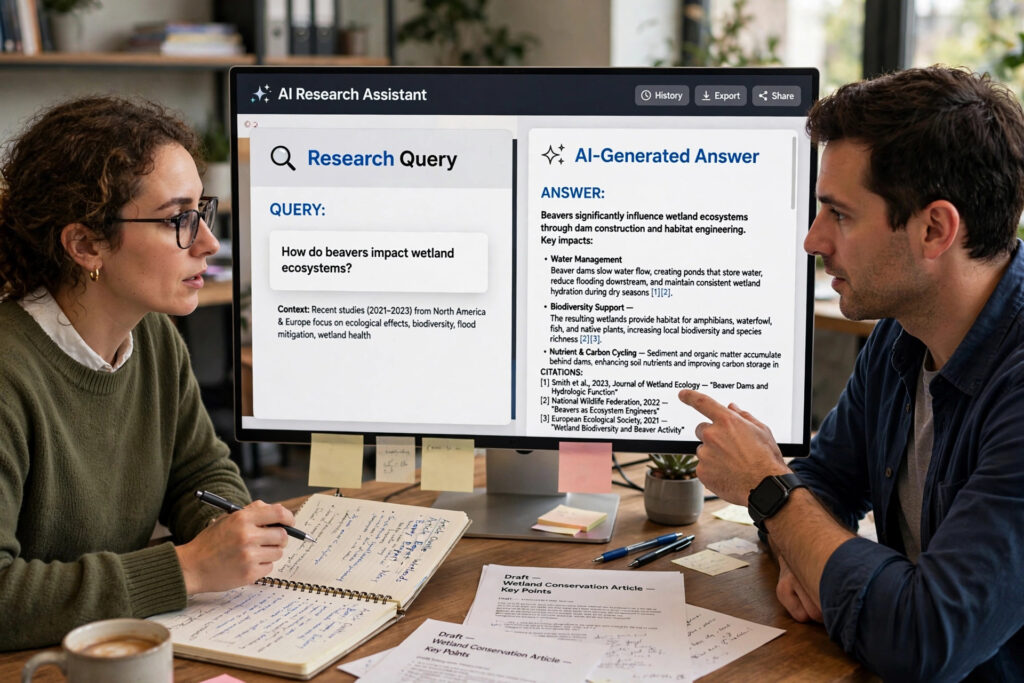
Perplexity answers questions with real-time citations attached, which makes fact-checking and sourcing statistics far faster than a traditional search engine.
AI Content Assistant (Google Gemini)
Gemini integrates directly with Docs and Sheets, making it a natural fit for creators already living inside the Google ecosystem, with solid free-tier research capability.
Free AI Graphic Design Software for Visual Content
Canva AI (Magic Studio)- Free AI Design Tool
Canva’s free plan already includes AI-generated backgrounds, text-to-image tools, and one-click resizing enough to cover most social and blog graphics without touching a paid tier.
AI Image Generator (Adobe Firefly)
Firefly’s free tier offers commercially safe image generation, useful for creators who need visuals cleared for monetized content.
Free AI Video and Audio Tools for Content Producers
AI Video Editing Tool (CapCut)
CapCut’s free version auto-generates captions, removes background noise, and offers AI-assisted editing a strong pick for short-form video creators.
AI Voice Generator (ElevenLabs)
ElevenLabs’ free tier converts text into natural-sounding voiceovers, handy for podcast intros, video narration, or accessibility captions.
Free AI SEO and Optimization Platforms
AI Content Optimization Tool (Frase)
Frase’s free word allowance is enough to test content briefs that analyze top-ranking competitors before you start writing, saving guesswork on structure and keywords.
AI Content Repurposing Tool (NotebookLM)
NotebookLM turns your own source documents into summaries, study guides, or even an audio discussion, which is useful for repurposing research into new formats.
How to Build a Content Workflow Without Money
You don’t need all ten tools above running at once. A simple starting stack one writing assistant, one design tool, and one research tool covers roughly 80% of what most creators need. Add a video or audio tool only once your content format calls for it.
Wrapping Up: Start Creating Without Spending a Dime
The gap between free and paid AI tools isn’t really about intelligence anymore it’s about volume and a few advanced features. For most solo creators and small teams, the free tiers above are more than enough to publish consistently, look professional, and grow an audience without a monthly bill attached. Pick one tool from each category, run it through a real piece of content this week, and build outward from there.
Frequently Asked Questions (FAQ)
1. Are free AI tools good enough for professional content creation?
Yes, for most day-to-day needs. Free tiers of tools like ChatGPT, Canva, and Perplexity cover writing, design, and research well enough for regular publishing.
2. What is the best free AI tool for beginners?
ChatGPT is the easiest starting point since it handles brainstorming, drafting, and light research in one place with no learning curve.
3. Can I use free AI tools together in one workflow?
Absolutely. Most creators combine a writing tool, a design tool, and a research tool, since each one specializes in a different stage of content production.
4. Do free AI tools have usage limits?
Yes, most free plans cap daily queries, exports, or word counts. These limits are usually generous enough for individual creators but may require upgrading for agency-level volume.
Final Thoughts
Finally, from above context the summary is that you don’t need a big budget to create content that looks and sounds professional,you need the right tools in the right order. Pick one from each category above, run it through a real project this week, and notice how much time comes back to you. The creators pulling ahead in 2026 aren’t the ones with the fanciest paid stack; they’re the ones who actually used what’s already free and available. Start small, stay consistent, and let these tools do the heavy lifting while you focus on the ideas only you can bring to the table.