How to Use ChatGPT for Beginners: Complete Step-by-Step Guide
Artificial intelligence (AI) is changing how we learn, work, and solve problems. Among the many AI tools available today, ChatGPT has become one of the most popular because it can answer questions, generate content, summarize information, write emails, brainstorm ideas, and even help with coding. However, many first-time users are unsure where to begin.If you’re new to AI, this guide will show you how to use ChatGPT for beginners in a simple, practical way.
Moreover, you’ll learn how to write better prompts, avoid common mistakes, and get more accurate responses. By the end of this article, you’ll be ready to use ChatGPT confidently for work, study, and everyday tasks.
Understanding ChatGPT and Its Capabilities
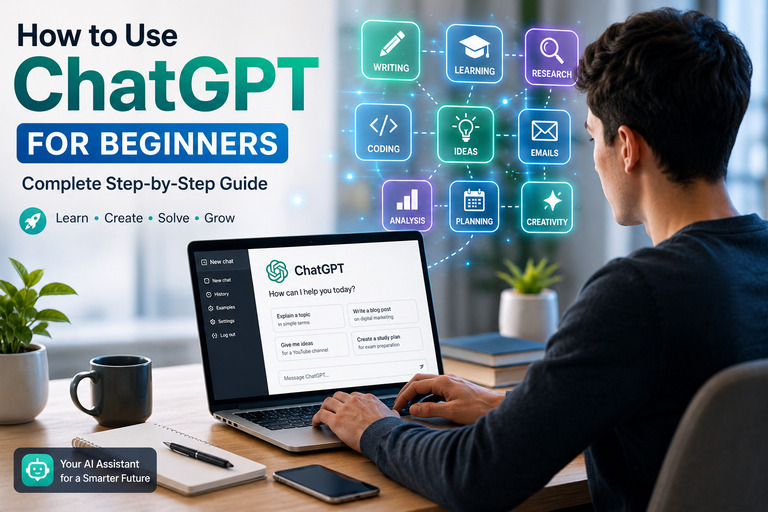
Generally, ChatGPT is an AI-powered chatbot that understands natural language and responds conversationally. Instead of searching through multiple websites, you can ask a question directly and receive a clear answer within seconds.
Today, people use ChatGPT for many purposes, including:
- Writing articles and emails
- Learning new skills
- Summarizing documents
- Brainstorming business ideas
- Creating social media content
- Solving programming problems
- Translating languages
- Planning trips and schedules
As a result, ChatGPT has become a valuable productivity tool for students, professionals, marketers, and business owners alike.
Setting Up Your ChatGPT Account
At first, getting started is quick and straightforward.
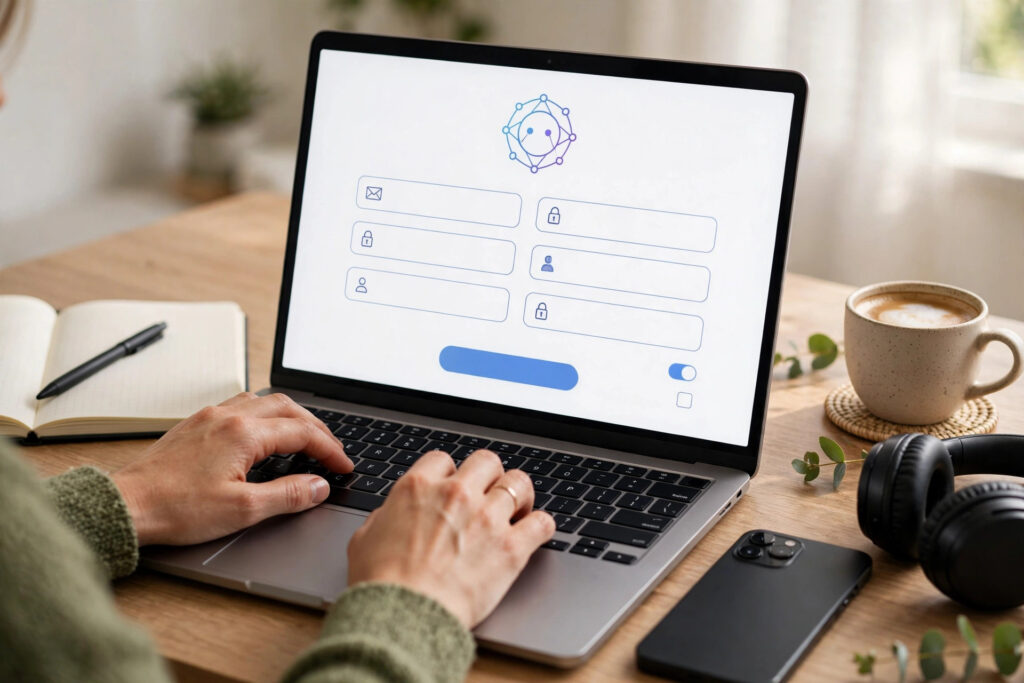
Step 1: Create an Account
Visit the official ChatGPT website and sign up using your email address or an existing Google, Apple, or Microsoft account.
Step 2: Log In
After creating your account, log in to access the ChatGPT dashboard.
Step 3: Start a New Chat
Click New Chat and type your first question into the message box.
Writing Better Prompts for More Accurate Responses
Mainly, the quality of your prompt determines the quality of the answer. Therefore, learning how to ask clear questions is one of the most important skills.
Tips for Creating Effective Prompts
Instead of asking:
“Write something about SEO.”
Try something different like:
“Write an 800-word beginner-friendly blog post about technical SEO with practical examples.”
Similarly, include details in your prompt such as:
- Your goal
- Target audience
- Desired tone
- Word count
- Preferred format
Consequently, ChatGPT can generate responses that closely match your expectations.
Practical Ways for Apprentice
Once you’re comfortable with the basics, you can start using ChatGPT in your daily routine.
Learning and Education
Students can do:
- Understand difficult topics
- Summarize textbooks
- Create study notes
- Practice quizzes
- Improve writing skills
Work and Productivity
Professionals often use ChatGPT to ma:
- Draft emails
- Create reports
- Brainstorm ideas
- Write presentations
- Organize projects
Content Creation
Content creators can use ChatGPT to generate:
- Blog outlines
- Social media captions
- YouTube scripts
- Product descriptions
- Marketing copy

Best Practices for Getting High-Quality AI Responses
Using ChatGPT effectively requires more than simply asking questions.
Improve Your Conversations with AI
Be Specific
Detailed prompts produce better results.
Ask Follow-Up Questions
Continue the conversation to refine answers instead of starting over.
Provide Context
Explain your objective so ChatGPT understands your request.
Review Every Response
Although ChatGPT is highly capable, you should always verify important facts before using them professionally.
Following these practices will significantly improve the quality of your AI-generated content.
Common Mistakes New Users Should Avoid
Many beginners expect perfect responses immediately. However, AI works best when given clear instructions.
Avoid these common mistakes:
- Asking vague questions
- Expecting AI to know personal context automatically
- Copying responses without editing
- Ignoring fact-checking
- Sharing confidential information
Instead, treat ChatGPT as a collaborative assistant that helps you think faster and work more efficiently.

Frequently Asked Questions (FAQ)
1. Is ChatGPT free to use?
Certainly, ChatGPT offers a free plan with core features, while paid plans provide access to more advanced ChatGpt models and additional capabilities.
2. Can Novice use ChatGPT easily?
Absolutely. ChatGPT is designed with a simple interface, making it accessible even for users with no technical experience.
3. What can ChatGPT help me with?
Really, ChatGPT can assist with writing, research, learning, coding, brainstorming, translation, planning, and much more.
4. Is ChatGPT always accurate?
Obviously, ChatGPT is highly capable, but it may occasionally make mistakes. Therefore, always verify important information, especially for academic, medical, legal, or financial topics.
Final Thoughts
Finally, It concludes that learning how to use ChatGPT for beginners is one of the best ways to boost your productivity in today’s AI-driven world. Whether you’re a student, educator, freelancer, marketer, or business owner, ChatGPT can simplify everyday tasks, improve creativity, and save valuable time. Furthermore, by writing clear prompts, providing context, and reviewing AI-generated responses, you’ll achieve much better results.
As you continue exploring its features, you’ll discover new ways to work smarter and learn faster. Start with simple questions, practice refining your prompts, and gradually incorporate ChatGPT into your daily workflow. With consistent use, it can become one of your most valuable digital assistants.