Best AI Tools for Students to Study Smarter in 2026
Let’s be honest studying used to mean stacks of index cards and late-night cramming. You’d hope you remembered enough to pass the exam. Fortunately, that’s no longer the only option. The best AI tools for students have quietly transformed how millions learn, revise, and manage their time. If you haven’t tried one yet, you’re genuinely missing out on hours of saved effort every week.
Moreover, I’ve spent the last few months testing dozens of these apps. I even helped a few university students in my circle rebuild their study routines from scratch. What follows isn’t a generic listicle scraped together from press releases. Instead, it’s a practical breakdown of what actually works, what doesn’t, and how to make these tools stick.
Why AI Study Apps Are Gaining Popularity Among Learners
Traditionally, studying meant reading, re-reading, and hoping repetition would do the job. However, that approach is slow and, frankly, inefficient for anyone juggling multiple subjects. As a result, students are increasingly leaning on smart study apps that can summarize a 40-page chapter in seconds or generate a practice quiz from lecture notes instantly.
Consequently, the shift isn’t just about convenience. Because these tools adapt to how you personally learn, they tend to improve retention. They do more than just speed up the grind. In other words, studying smarter isn’t just a buzzword. It’s a measurable outcome, backed by how students actually use these platforms.
Top AI Note-Taking and Summarization Apps
Note-taking is usually the first place students notice a real difference, since it eats up so much time during lectures and reading sessions.
1. Notion AI: Turning Messy Notes Into Structured Knowledge
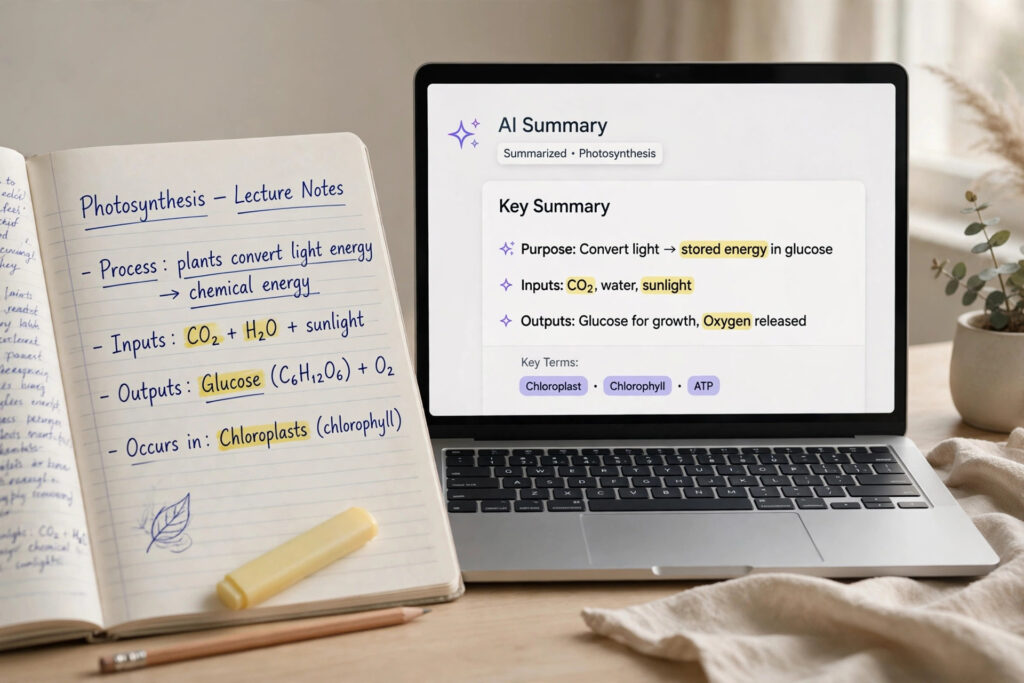
Notion AI sits directly inside your existing Notion workspace. That makes it incredibly convenient if you already organize your semester there. For instance, you can paste in a rough lecture transcript. Within moments, it’ll return a clean summary with bullet points and key takeaways. Additionally, it can generate flashcard-style questions directly from your notes, which saves you from manually creating a separate study deck.
In my experience, the biggest win here is consistency since everything lives in one workspace, you’re not hopping between five different apps just to review a single subject.
2. Otter.ai: Turning Spoken Lectures Into Searchable Text
Otter.ai transcribes lectures in real time, so instead of frantically scribbling notes, you can actually listen and engage with what’s being taught. Afterward, the transcript becomes fully searchable, meaning you can jump straight to the exact moment your professor mentioned that one formula you can’t quite remember. For students juggling online classes and recorded seminars, this alone is worth the download.

Best AI Study Planners and Productivity Assistants
Beyond note-taking, staying organized is arguably the harder half of academic success. Thankfully, AI-driven planners now handle the scheduling headache for you.
3. Motion: An AI Calendar That Plans Your Study Sessions
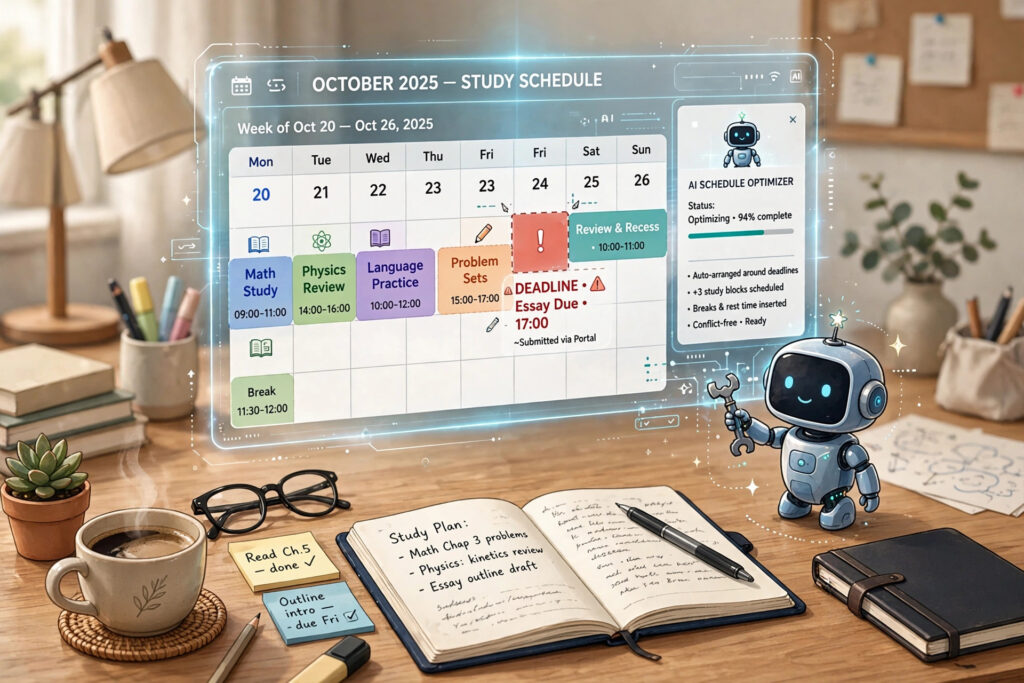
Motion automatically slots study blocks into your calendar based on deadlines, priorities, and your existing commitments. Rather than manually rearranging your schedule every time an assignment gets added, Motion recalculates everything instantly. This kind of adaptive scheduling is especially useful during exam season, when priorities shift almost daily.
4. Todoist with AI Assist: Smarter Task Prioritization
Todoist’s AI-assisted features help break large assignments into manageable subtasks, which is a small feature that makes a surprisingly big difference. For example, “Finish research paper” becomes a checklist of research, outline, draft, and edit each with its own due date. As a result, that overwhelming ten-page paper suddenly feels achievable in smaller, less intimidating chunks.
Leading AI Research and Writing Assistants for Coursework
When it comes to essays, research papers, and citations, a handful of tools genuinely stand out for saving both time and sanity.
5. Grammarly: Polishing Grammar and Tone
Grammarly remains the gold standard for catching grammatical slips, awkward phrasing, and tone mismatches before submission. Moreover, its AI-powered rewrite suggestions help tighten wordy sentences without losing your original voice.
6. Consensus: AI-Powered Academic Research
Consensus searches published academic papers and summarizes findings in plain language, which is a genuine time-saver for literature reviews. Instead of skimming twenty abstracts manually, you get a distilled summary with direct citations, so you can verify sources rather than take anything at face value.
7. QuillBot: Paraphrasing Without Losing Meaning
QuillBot helps rephrase dense academic language into something more digestible, particularly useful when you’re trying to understand a complicated textbook passage. That said, it should support your understanding, not replace your own writing entirely a distinction worth keeping in mind for academic integrity.
AI Flashcard and Memory Apps for Long-Term Retention
Memorization still matters, especially for subjects like biology, law, or languages, and AI has made spaced repetition far more efficient.
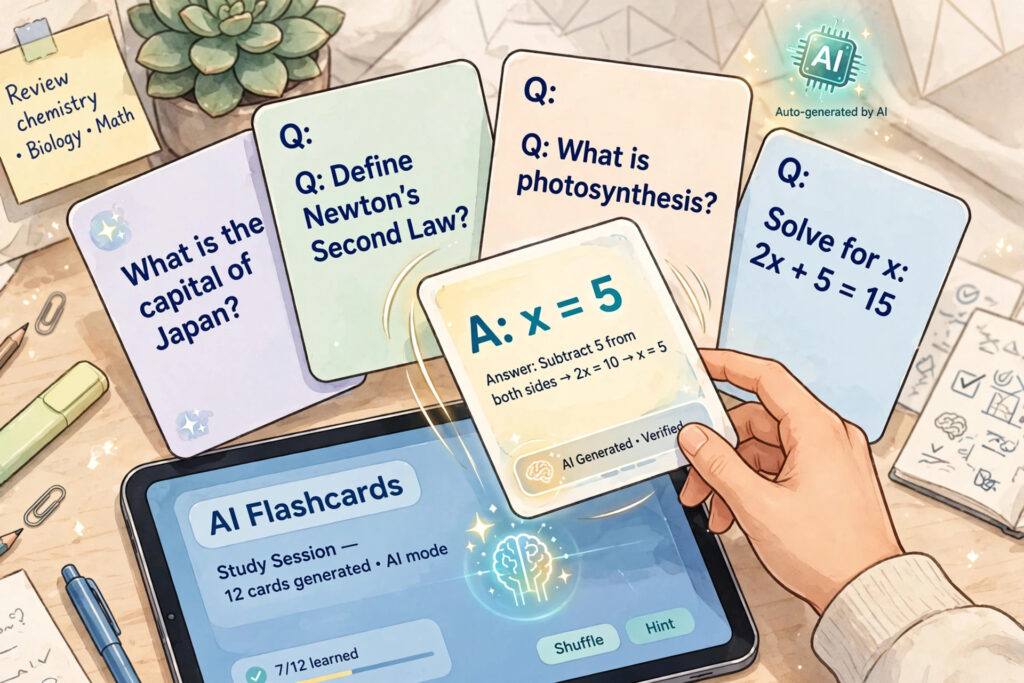
8. Quizlet AI: Auto-Generated Flashcards From Any Text
Quizlet’s AI feature can generate flashcards directly from your uploaded notes or textbook excerpts within seconds. Furthermore, its adaptive learning mode tracks which cards you consistently get wrong and resurfaces them more often, which mirrors proven spaced-repetition science rather than just random review.
9. Anki with AI Add-ons: Customizable Spaced Repetition
Anki has long been a favorite among med students and language learners, and newer AI add-ons now auto-generate card decks from PDFs or lecture slides. Since Anki’s algorithm is famously effective at long-term retention, pairing it with AI-generated content cuts down the tedious setup time significantly.
How to Choose the Right AI Study Tool for Your Needs
With so many options available, picking the right one ultimately comes down to your specific study habits rather than chasing every trending app. Ask yourself:
- Do you struggle more with organizing notes, or with staying on schedule?
- Are you writing frequent essays, or memorizing large volumes of factual content?
- Do you prefer everything in one workspace, or are you fine using specialized apps for each task?
Once you’ve answered those questions, start with just one or two tools rather than overhauling your entire routine overnight. Otherwise, you risk spending more time managing apps than actually studying which defeats the purpose entirely.
Final Thoughts on Studying Smarter With AI
Ultimately, the best AI tools for students aren’t about replacing effort they’re about removing the friction that gets in the way of real learning. Whether it’s Notion AI cleaning up your notes, Motion managing your calendar, or Quizlet turning your textbook into flashcards, each tool solves a specific bottleneck in the study process. Therefore, the smartest approach is to identify your biggest time-drain first, then bring in the AI tool built to solve exactly that problem.
For further information read on how AI is reshaping education more broadly, UNESCO’s overview of AI in education offers useful global context on responsible use.
Frequently Asked Questions (FAQ)
1. Are AI study tools free for students?
Many tools, including Notion AI, Quizlet, and QuillBot, offer free tiers with core features, though advanced functionality often sits behind a student-discounted premium plan.
2. Is it considered cheating to use AI tools for studying?
Generally, no as long as you’re using them to summarize, organize, or quiz yourself rather than submitting AI-generated work as your own.
3. Which AI tool is best for taking lecture notes?
Otter.ai is particularly strong for real-time transcription, while Notion AI excels at organizing and summarizing notes afterward. Many students use both together.
4. Can AI tools actually improve grades?
While no tool guarantees better grades on its own, improved organization, faster review cycles, and stronger retention through spaced repetition tools like Anki have been shown to support better academic outcomes.
5. What’s the best AI tool for essay writing?
Grammarly is ideal for polishing grammar and tone, while Consensus helps strengthen research-backed arguments with credible academic sources.